Plant care, in plain language
A clearer next step for your plant.
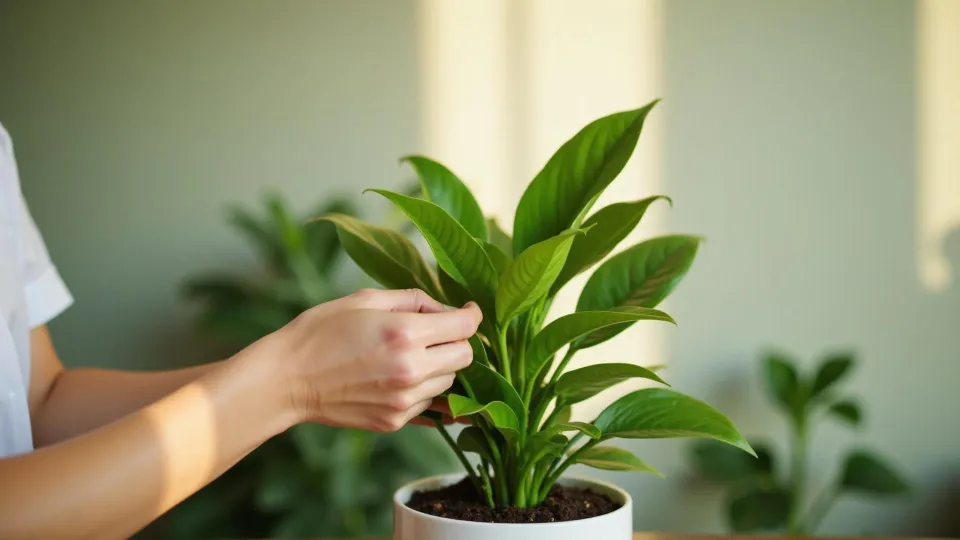
Start with one clear photo. Plant Says Hi helps you identify a plant, make sense of a change, and choose a thoughtful next step for its care.
Start here
Pick the tool that matches the question you have:
Three ways in
Identify a plant, ask a plant doctor question, or build a simple plant care check around the conditions you can observe today.
Small observations lead to better care
Light moves. Rooms change. A new pot can behave differently from the old one. Good care starts with noticing what is true today, then making one useful change.
Useful reads for the in-between moments
Read practical notes for taking better photos, reading the clues, and changing one thing at a time.
How the tools work
Each tool starts the same way: add one clear photo, include a short note if it helps, and read a structured starting point. The identifier suggests a likely name, the plant doctor narrows down possible causes, and the care check turns your growing conditions into a few things to watch.
What a photo can and cannot do
A photo can suggest a likely name or a plausible cause. It cannot confirm an identity, rule out a lookalike, or see what is happening below the soil line. Treat every result as a starting point for your own observation, and ask a specialist when a plant, pet, or person may be at risk.
Guides to read alongside
The guides show how to take one useful photo, what yellow leaves can mean, and how to check before watering — each links the horticultural sources behind its advice. Start with the photo guide.
Common questions
Is Plant Says Hi free?
Yes. The three browser tools are free to use and do not need an account.
Do I need to download an app?
No. Everything runs in the browser. Mobile apps are planned, and this site will link to them when they are ready.
What kind of photo works best?
A sharp, well-lit photo of the whole plant. If one detail is the question — a marking, a flower, a damaged leaf — a close, steady frame of it works too. JPG, PNG, and WebP files are supported.
What happens to my photo?
Your photo and any note you add are sent to Qomza’s private gateway, which returns the analysis. The Privacy page explains what the gateway keeps and for how long.